
Queue system for a dental practice
A dental reception must distinguish consultations, treatments and several dentists without adding more questions at the counter.
Direct patients to the right dentist or service
The reception screen can present approved dentists and services such as consultation or treatment. The ticket enters the appropriate queue and the dentist calls from a workstation.
Only information useful to the waiting workflow is configured.
Reduce reception pressure
A printed number and television display reduce repeated questions about waiting order. Reception staff can focus on appointments, payments and exceptions.
A compact equipment option
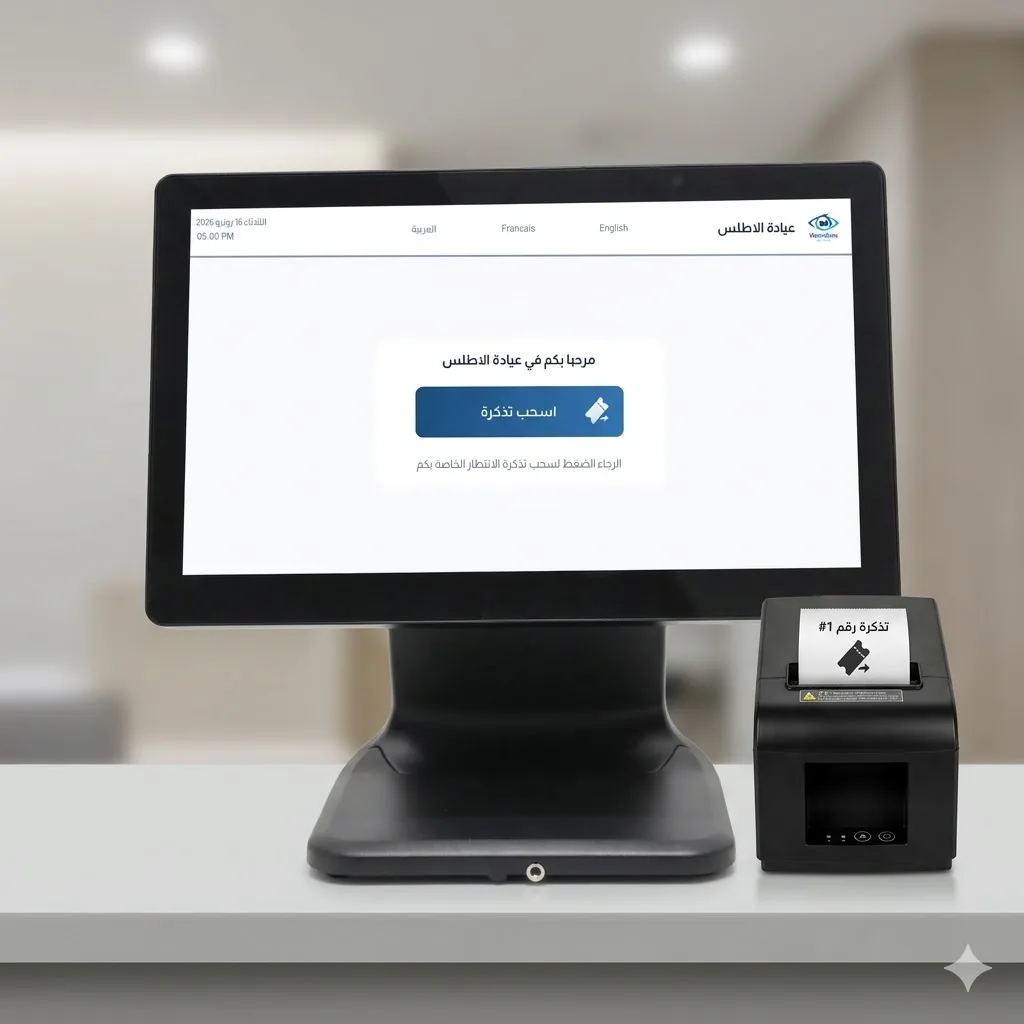
A compact touchscreen with a separate thermal printer fits a counter when a complete kiosk is too large. A compatible existing television can be reused, with a mini PC where required.
Configuration example
Reuse existing computers and television
Situation
An organisation already owns Windows computers and a waiting-room television.
Need
Verify what can be retained before ordering equipment.
Typical configuration
- • Compatibility review
- • SQL Server validation
- • Printer validation
- • Display validation
- • Software installation
- • Local network tests
Illustrative workflow
- 1.Inventory devices
- 2.Check versions and connections
- 3.Test peripherals
- 4.Install approved software
- 5.Test workstations
Expected operational benefits
- • Avoid unnecessary replacement where equipment is compatible
This scenario illustrates one possible configuration. It is not a customer testimonial.
Tebeasy in operation
Photo of the compact terminal with its separate printer.
Request a demonstrationFrequently asked questions
Can several dentists be displayed?
Yes. Dentists and services are configured for the practice.
Is a new television always required?
No. A compatible existing display can be reused after review.
Does the compact terminal print tickets?
Yes, through a compatible separate thermal printer.